No forgotten maintenance
Reminders trigger on date, mileage, or hours, with a lead time you set—not a generic calendar entry.
Parker Beaumont Holdings
Maintenance, mileage, repairs, facilities, and documents—kept together in a private, local-first iPhone logbook with optional account sync.
Local-first, cloud optional
Wrenchd exists to keep one honest record for every vehicle, piece of equipment, and facility you’re responsible for—without burying it in a settings-style menu tree.
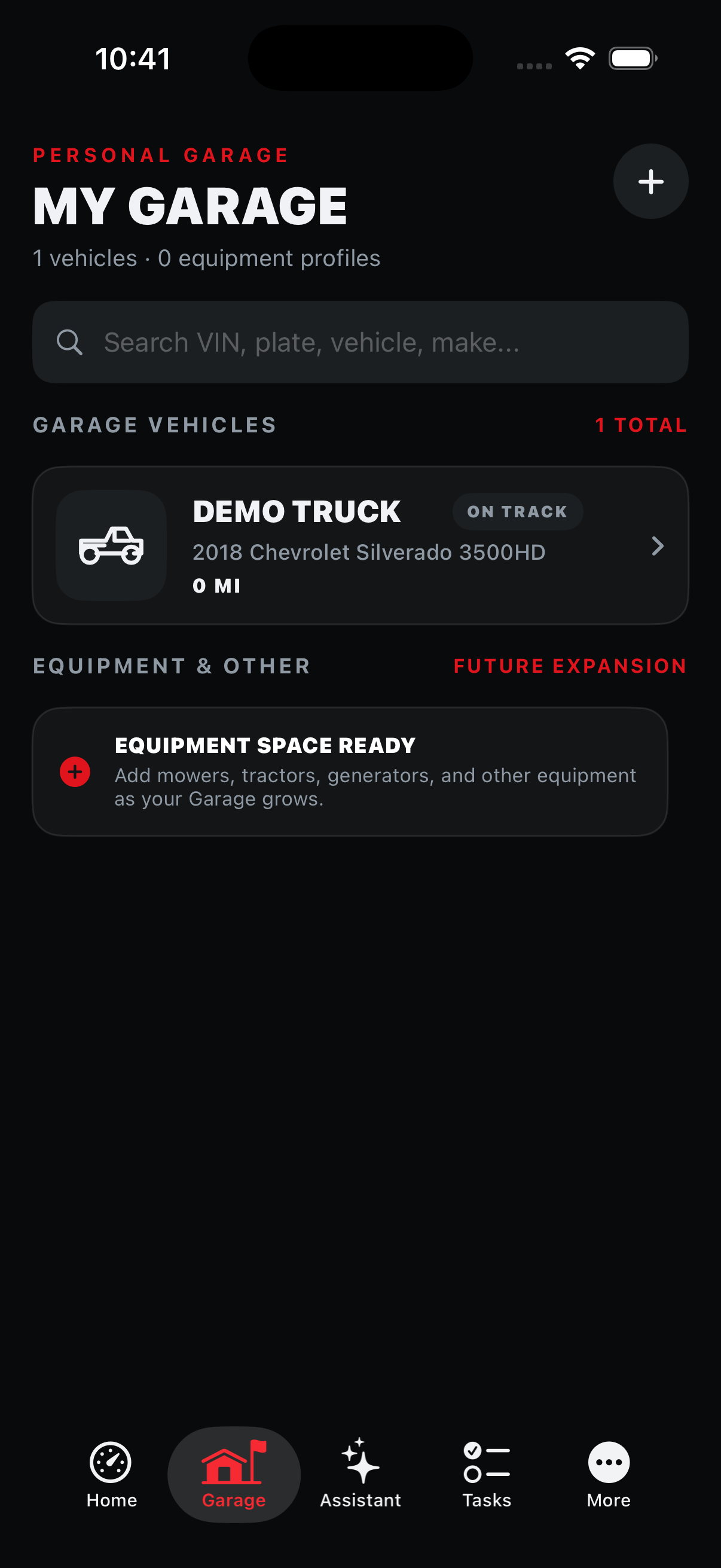
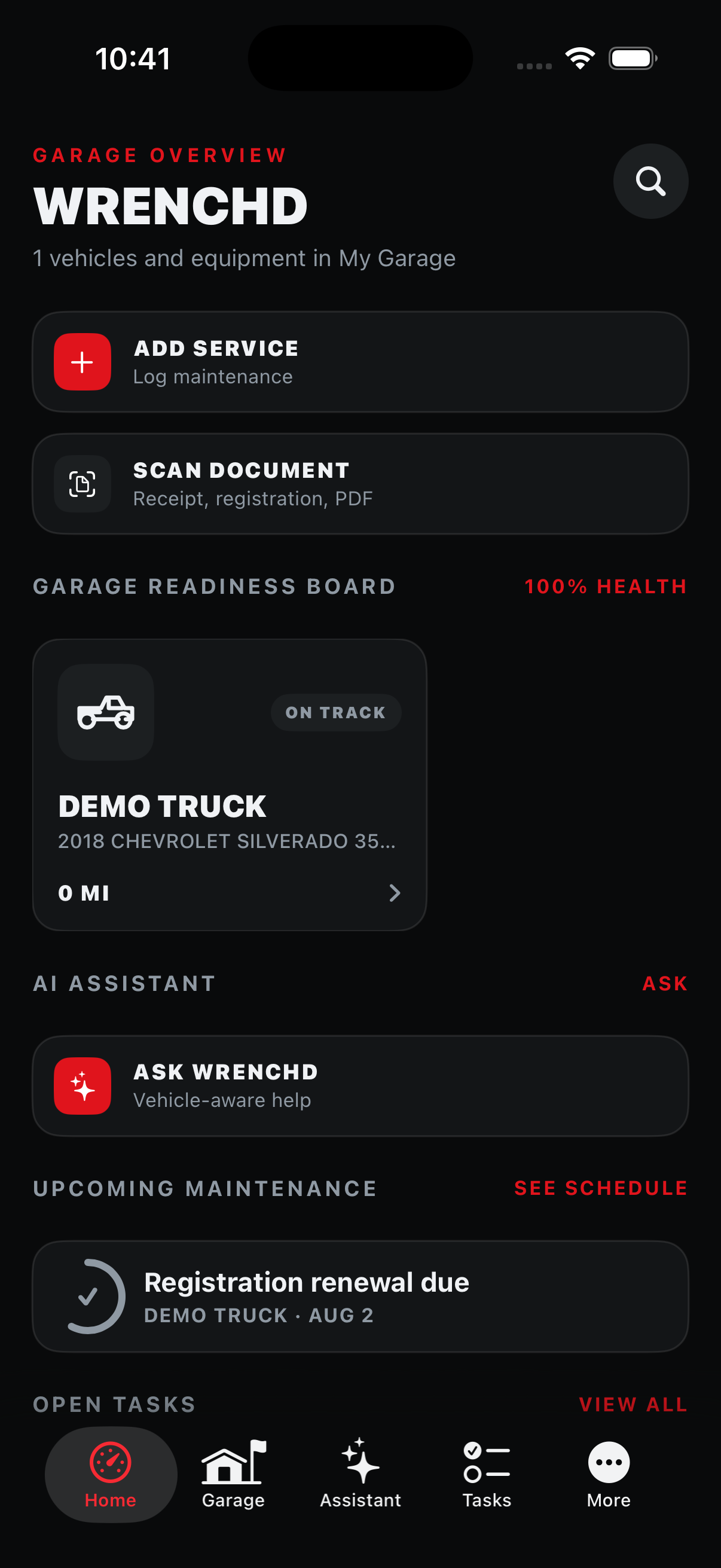
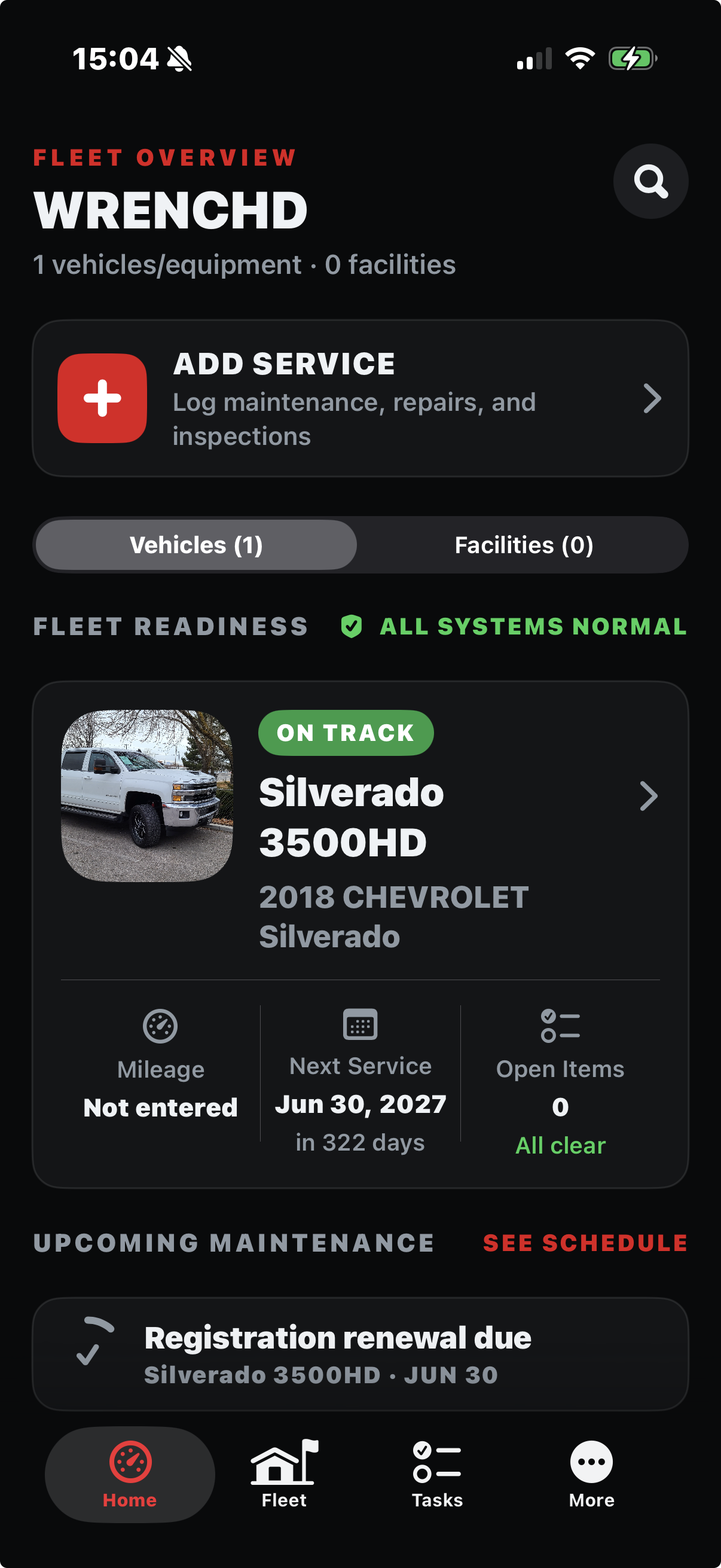
Add a profile, log service, and scan a receipt in a tap or two from the Dashboard. Wrenchd keeps specs, history, reminders, and documents organized and ready when a question comes up.
Reminders trigger on date, mileage, or hours, with a lead time you set—not a generic calendar entry.
Scan receipts, registration, insurance, and titles so they’re attached to the right vehicle and searchable later.
Structured troubleshooting captures complaint, symptoms, and codes, then links straight to a repair record.
One focused flow takes a vehicle from a bare profile to a fleet that tracks readiness, records, and what’s coming due. Keep scrolling—the screen updates with each step.
Shipped in phases, tracked in the open
Wrenchd is under active development. This reflects real phase status from the project roadmap, not a marketing timeline.
Vehicles, equipment, and facilities share one Fleet record graph with specs, photos, and history.
Service logging, search/filter history, and date/mileage/hours reminders with lead time.
Scan-to-attach for receipts, registration, and titles, linked to the right vehicle.
Per-vehicle fuel log, average MPG, and cost-per-mile, feeding a real cost summary.
A vehicle’s history leaves the app as a usable PDF or CSV for a buyer, insurer, or claim.
Cloud-enabled accounts can sync supported records and files while every user retains the complete local logbook.
Live AI-assisted troubleshooting answers and telematics/fleet-dashboard features are intentionally not in scope until the phases above are solid.
Dashboard
•Fleet
•Maintenance
•Documents
•Calendar
•Shops
What Wrenchd Web does today, how it relates to the iPhone app, and what it doesn’t replace.
Yes, for approved cloud-enabled accounts. Supported fleet records, schedules, tasks, shops, vehicle photos, and primary archived documents can sync while the iPhone keeps an offline copy. Some extra attachments remain local.
No. Wrenchd works without an account and stores records on the device. An approved cloud-enabled account is required only for optional sync and the private web portal.
Yes. Facilities—garages, shops, hangars, warehouses—use the same Fleet record graph as vehicles, with shared maintenance, documents, and history.
No. Wrenchd helps you keep an honest record and understand what a vehicle needs so you’re informed going in—it isn’t a substitute for professional diagnosis or repair.
Yes. Vehicle history exports as PDF or CSV, so nothing you enter stays trapped in the app.
A two-seat organizer/member model is being tested in the private web preview. It is not part of the initial public iPhone release.
Invite-only development preview
Approved cloud-enabled accounts can use the web preview with supported records from the iPhone app. Public web account creation remains paused.